USB sensor or USB datalogger? They are not the same thing.
If you search for “USB temperature humidity sensor,” most of what you’ll find are dataloggers. Lascar EL-USB-2, Onset HOBO MX1101, Elitech RC-51H. These are the products that dominate the results. They are small, they plug into USB, and they measure temperature and humidity. So you might reasonably assume that this is what a USB sensor looks like.
It is not. Or rather, it is one version of what a USB sensor can be, and it may not be the one you need.
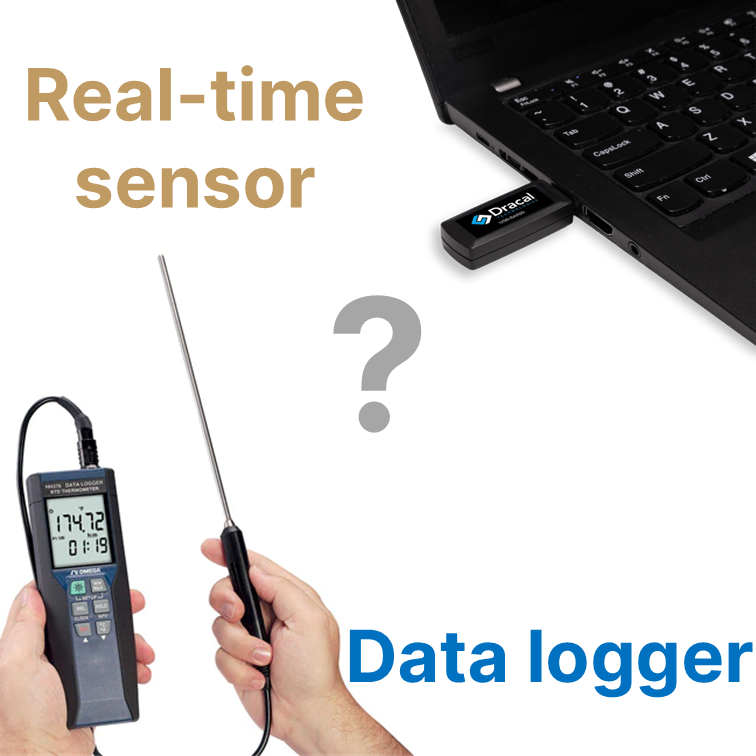
What a datalogger actually does
A USB datalogger is a standalone, battery-powered device. You configure it from your computer, unplug it, place it where you want to measure, and leave it there. It records data to its internal memory, typically 16,000 to 84,000 readings, depending on the model. When you’re done, you physically retrieve the device, plug it back into your computer, and download the data.
This is batch measurement. The data exists only inside the device until you go get it.
The workflow is: configure → deploy → wait → retrieve → download → analyze. For shipping validation, cold chain monitoring, or any scenario where the device must travel independently, this is exactly the right architecture. A vaccine shipment from Frankfurt to São Paulo cannot rely on a USB cable connected to a laptop.
The problem shows up when you need real-time data
Now consider a different scenario. You are running a test bench and your software needs to compensate for ambient temperature in real time. Or you are monitoring environmental conditions in a calibration lab and the data must flow continuously into your logging system. Or you are integrating environmental readings into a LabVIEW VI, a Python script, or a custom C# application.
In all of these cases, the data needs to be on your computer right now, not stored in a device you will collect later.
If you plug a Lascar EL-USB-2 into your computer, you can configure it and you can download past recordings. But you cannot stream live readings into your software. The device was not designed for that. It has no command-line interface, no API, no way for your code to ask “what is the temperature right now?” and get an answer. Its software (EasyLog) runs only on Windows and is designed for post-hoc analysis, not real-time integration.
The HOBO MX1101 is similar, with Bluetooth instead of USB for data retrieval. The data path goes: logger → phone app or HOBOconnect → optional cloud upload. There is no way to pipe a live reading into a Python script.
This is not a criticism of these products. It is a category distinction. A datalogger records. A real-time sensor streams. They solve different problems, and the difference matters more than it might seem from a product listing.
What a real-time USB sensor does differently
A real-time USB sensor is permanently connected to your computer. It does not store data internally. It does not run on batteries. Instead, it provides a continuous, live data stream over USB that your software can read at any time.
The Dracal PTH450 is this kind of instrument. It measures temperature (±0.1 °C), relative humidity (±1.5 %RH), and atmospheric pressure (±0.15 kPa). All three, simultaneously, from a single USB device. The data is available the moment you plug it in.
Reading it from the command line takes one command:
dracal-usb-get -s E22196 -i 0,1,2
101.50, 22.64, 33.71
That is, pressure in kPa, temperature in °C, and relative humidity in %, delivered as plain text. Your Python script can call this. Your LabVIEW VI can call this. Your bash script can pipe it into a CSV. There is also a REST JSON API if you prefer HTTP endpoints, and a virtual COM port mode for systems that expect serial communication. The free DracalView software handles graphing and logging for those who don’t need code.
No battery. No configuration ritual. No batch download. The sensor is on, the data is flowing, your software is reading it.
Here is the workflow:
Connect your sensors.
Instantly visualize your data.
Integrate your data stream your system
How to know which one you need
The deciding question is simple: does your data need to reach a computer in real time?
If the answer is no, a datalogger is the right choice. That is what they were built for. Typical applications can be unattended in a warehouse, a shipping container, or a storage room, and you will collect the data later.
If the answer is yes, you need a real-time sensor. A datalogger cannot fill this role, no matter how you configure it. Typical applications are data feeds into a test system, a monitoring dashboard, a control loop, a software, or anything that needs to know the current conditions now.
Conclusion
The confusion between the two categories is understandable. They look similar. They measure similar things. They both involve USB. But the architecture is fundamentally different, and if you’ve been searching for “USB temperature humidity sensor” and finding only dataloggers, you may have concluded that this is all that exists in USB form.
It isn’t. The Dracal PTH450 is a plug-and-play USB alternative to dataloggers for applications where live data, software integration, and real-time access are the priority. It measures temperature, relative humidity, and atmospheric pressure with traceable accuracy, and delivers all three readings directly to your computer through a CLI, a REST API, or a virtual COM port, on Windows, macOS, and Linux.
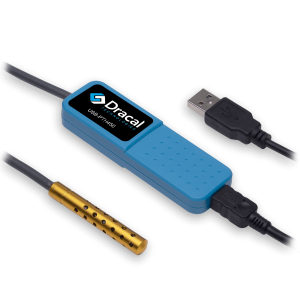
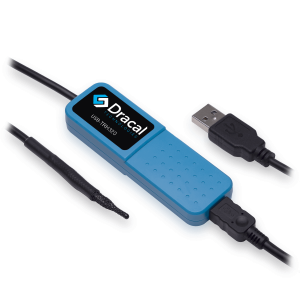
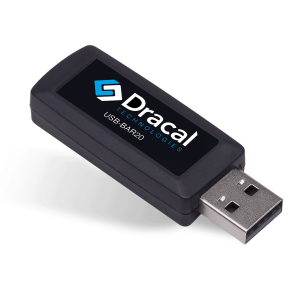
PRODUCTS YOU CAN TRUST
Approved by engineers, scientists and researchers around the world.
Thousands of companies trust our products worldwide:












Always offered at no extra charge with our products!
EASY TO USE IN YOUR OWN SYSTEM
- Ready-to-use, accurate and robust real-time data flow
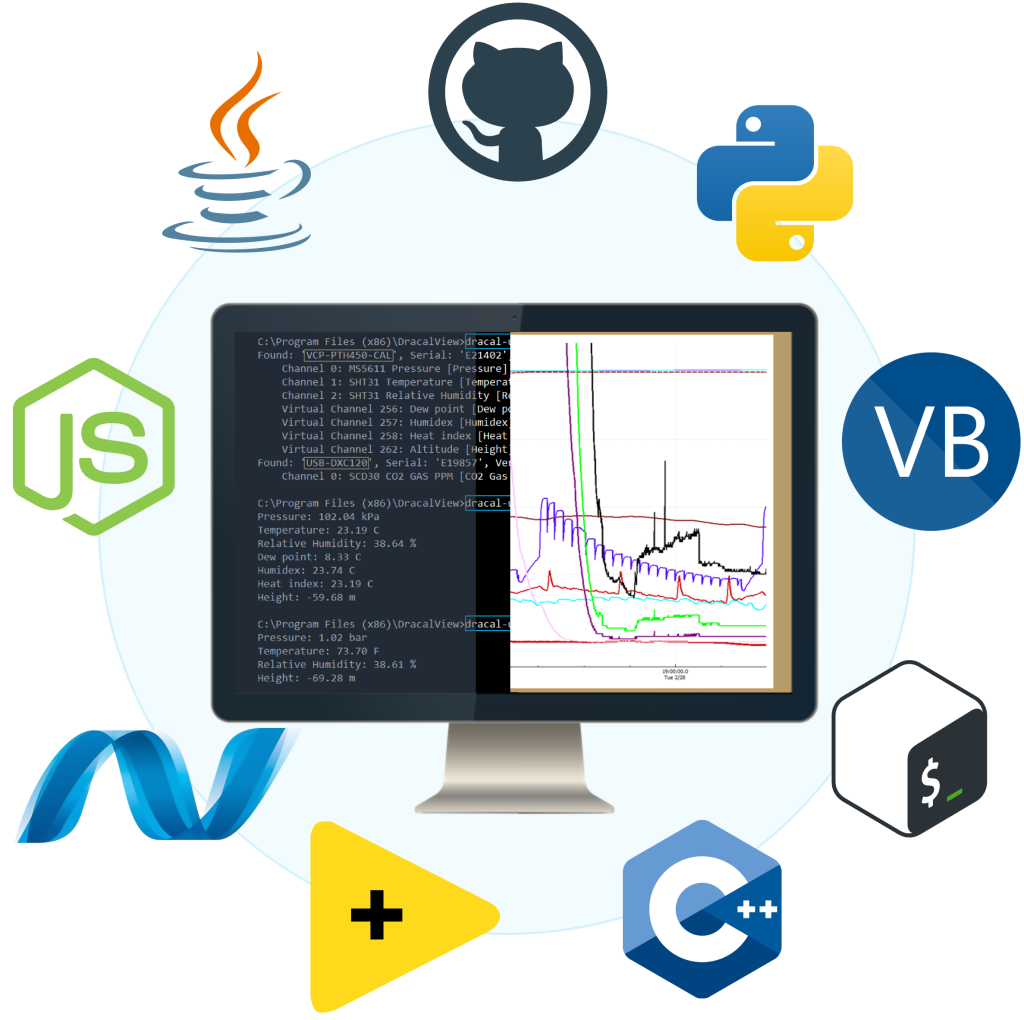
- Choose the interface that works best for you (CLI, virtual COM, REST API)
- Code samples available in 10+ programming languages (Python, C/C++, C#, Java, Node, .Net, etc.)
- Operates under Windows, Mac OS X and Linux
- Usable with LabView (CLI guide, Virtual COM guide)
- All tools packaged within one simple, free of charge, DracalView download
FREE DATA VISUALIZATION, LOGGING AND CALIBRATION SOFTWARE
- Get up-and-running in less than 3 minutes
- Operates under Windows, Mac OS X and Linux
- Real-time on-screen graphing and logging
- Log interval down to 0.5 second and configurable units (°C, °F, K…)
- Simultaneous use of unlimited Dracal sensors supported
- Simple user-calibration (products with the -CAL option)
- Connectivity with SensGate Wi-Fi/Ethernet gateway
Not sure if your project will benefit from Dracal’s solution?
Contact us, tell us about your project, and we’ll quickly determine if there’s a fit.
"*" indicates required fields